Bambu Lab A1 mini
The affordable start, one colour per print.
Open design; according to the manufacturer set up in about 20 minutes and below 48 dB in silent mode. The AMS lite can be added later.
Pick an idea on the screen and hold it in your hands a little later: 3D printing is fun for children and is now well within reach on a small budget. We show you three entry-level printers that are easy to use.
We don't sell printers or filament. I, Patrick, handle the technical advice.
All three are quick to set up, level the print bed by themselves and have a build volume of 180 × 180 × 180 mm. They differ in colours and design.
The affordable start, one colour per print.
Open design; according to the manufacturer set up in about 20 minutes and below 48 dB in silent mode. The AMS lite can be added later.
The same printer with a material changer.
Up to four colours in one print. Bambu Lab spools are recognised automatically by their RFID tag.
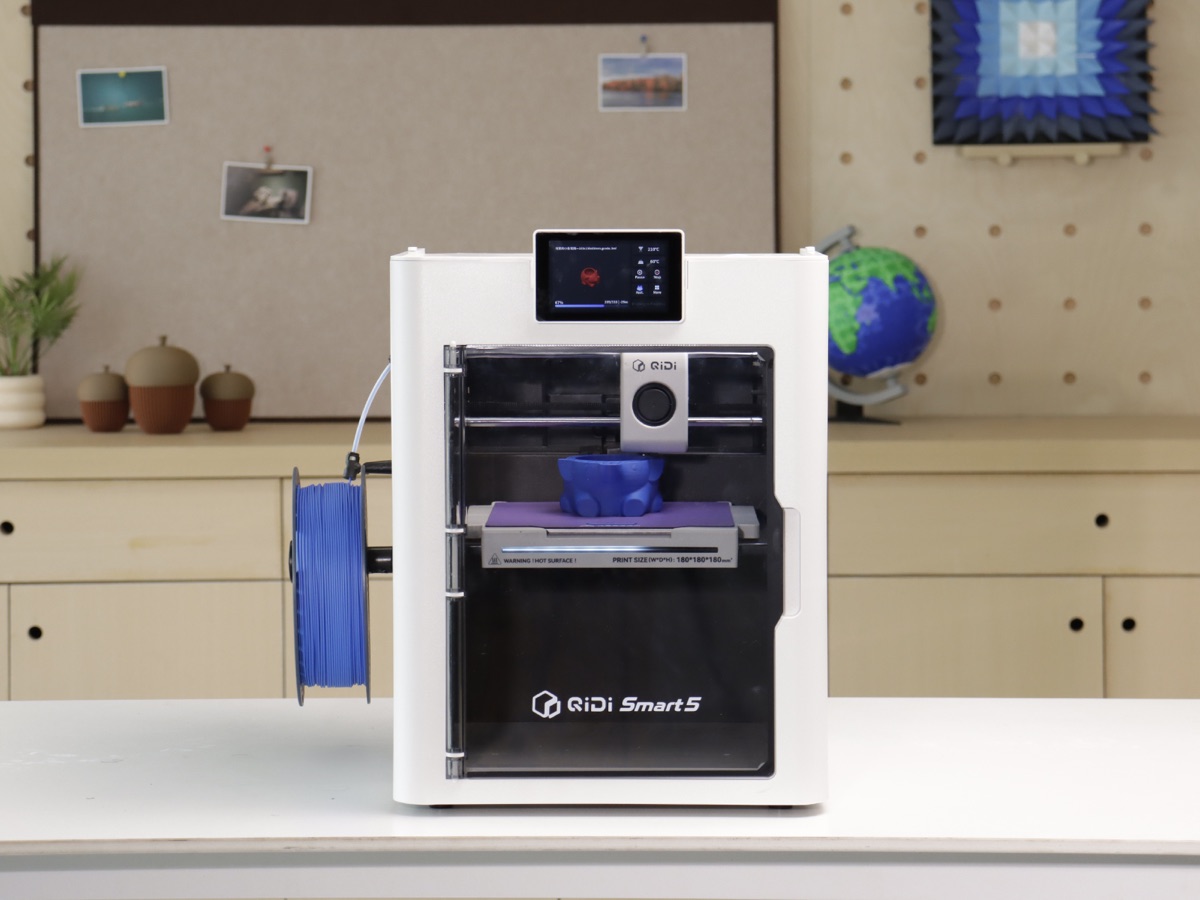
Built specifically for kids and families.
Enclosed housing with air filter, tilting touchscreen and camera. According to the manufacturer for children from around 8 years with adult guidance. Multi-colour with the optional QIDI Box.
Bambu Lab spools carry an RFID tag. The AMS lite reads it and sets material and colour automatically. With QIDI, the optional QIDI Box reads the tags of QIDI's own spools. Filament from other brands works too; you then set it by hand.
A touchscreen on the printer, an app on your phone and ready-made models that start with a few taps. The printer does the levelling and calibration by itself.
On all three printers you swap the hotend with its nozzle without tools. Both manufacturers sell spare parts individually and show maintenance and repair in guides and videos.
With MakerKids, Bambu Lab has opened its own section for children (currently in beta): free learning projects for ages 3 to 6, 6 to 12 and 12 and up, in the Bambu Handy app and on MakerWorld. QIDI offers the QIDI Joy app with tutorials, models and an AI tool that turns a photo into a printable model.
The nozzle and the print bed get hot. The A1 mini has an open design, the Smart5 is enclosed and has an air filter. Either way: children print with an adult at their side, and the room is kept well ventilated.
PLA is all you need at the beginning: easy to print and available in many colours. Our filament guide tells you more.
Official manufacturer videos on YouTube. A video is only loaded when you click it; data is then transferred to YouTube.
Official video by Bambu Lab.
Official video by Bambu Lab.
Official video by QIDI Tech.
I start from your everyday life: how old are the children, where will the printer stand, and should it print in colour from the start?
My recommendation:
What I advise against: the ultra-cheap printers on AliExpress and Temu, such as EasyThreed and comparable models. They are not much cheaper, but offer considerably less and are more likely to discourage children. The same goes for cheap children's printers that work with clay (ceramics). The idea behind them is good: without a hot nozzle nobody burns their fingers. But they print very coarsely, so the fun is limited.
We use the A1 mini ourselves. The details on the Smart5 come from the manufacturer.
In the free initial consultation we find out what suits your family.
From my experience: open printers such as the A1 mini, the A1 and the A2L are very easy to maintain because everything is easy to reach. Bambu Lab offers spare parts at very reasonable prices, so the printers can be repaired easily even after the warranty has ended.
Enclosed printers become harder to maintain as their complexity grows. Two examples:
When starting out with children it is therefore worth looking at maintenance as well as the price.
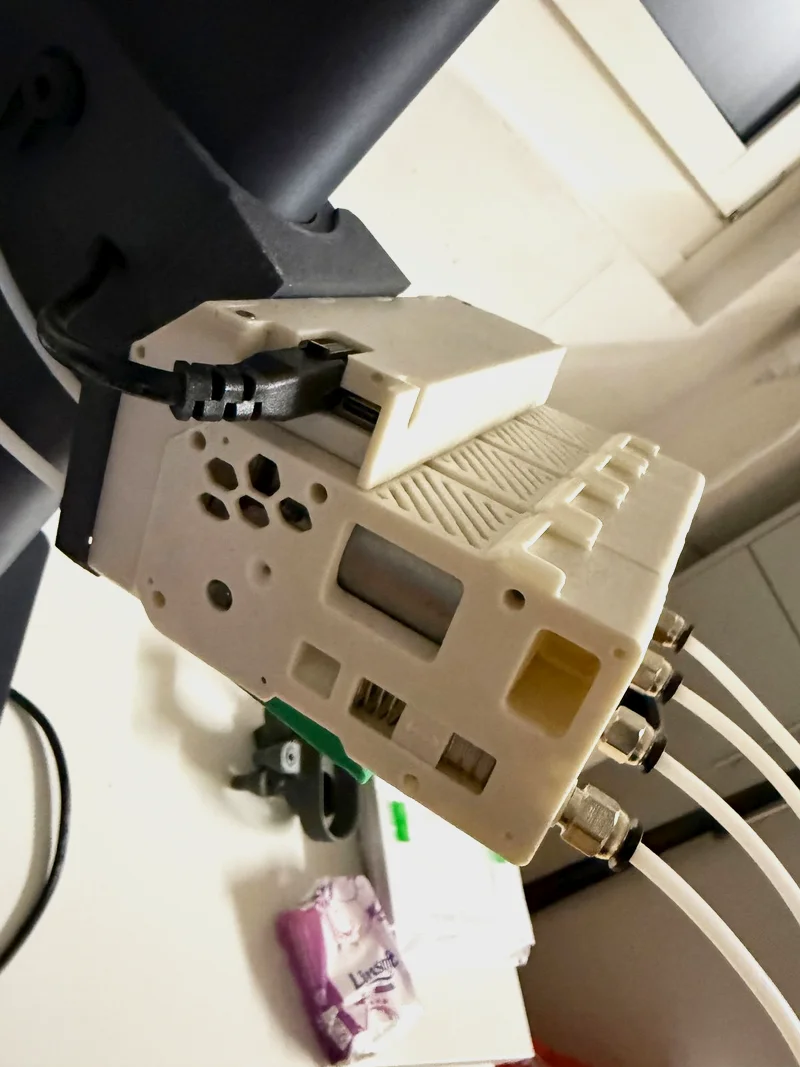
If you want more later on: with the Swapmod from swap-systems.com, a small, self-printed add-on that costs very little, the A1 mini becomes a mini factory that produces lots of nice little things day and night. The printer changes the build plate by itself, without any motors or electronics. The Swapmod is not a Bambu Lab product, and continuous operation belongs in the hands of adults.
Our own footage: the printer pushes out the finished plate and fetches a new one. 2:30 minutes, with the original sound of the machines.
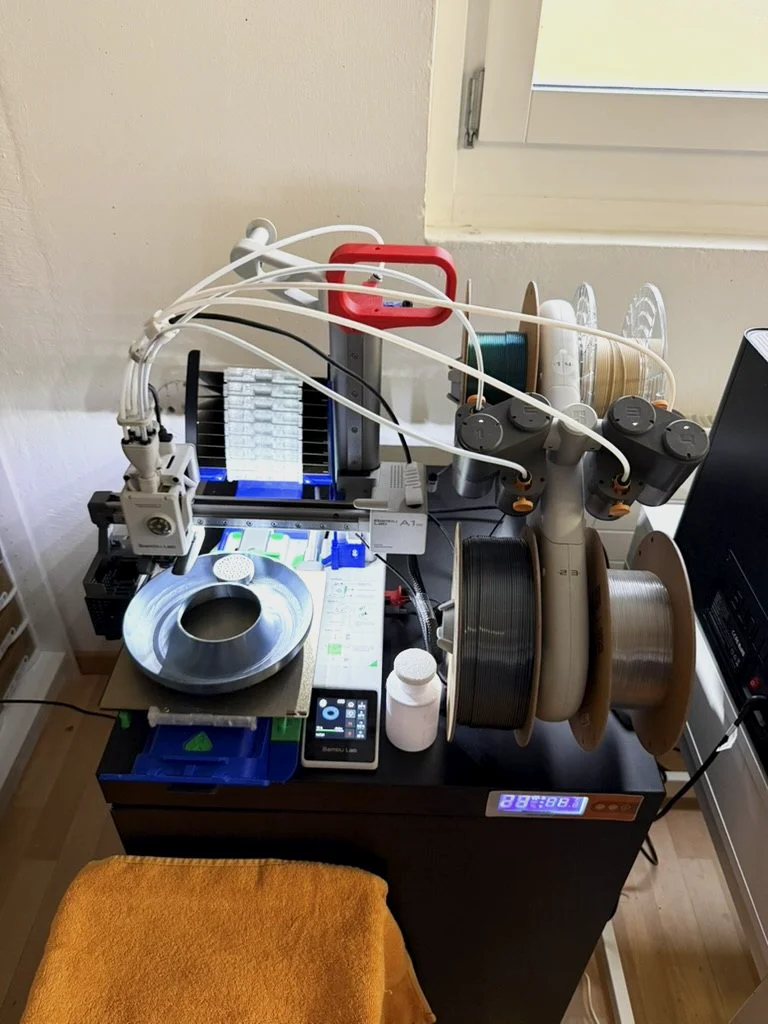
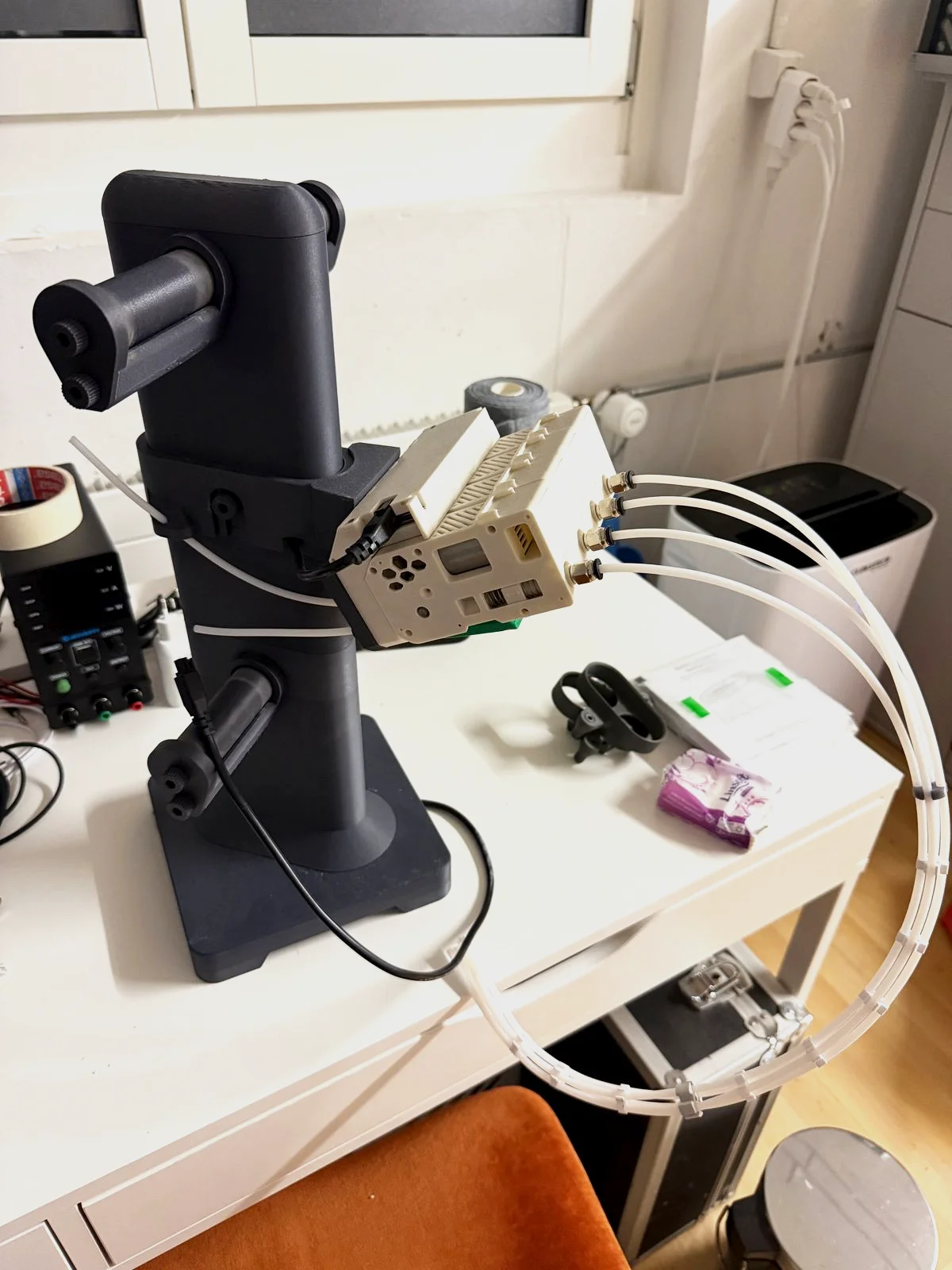
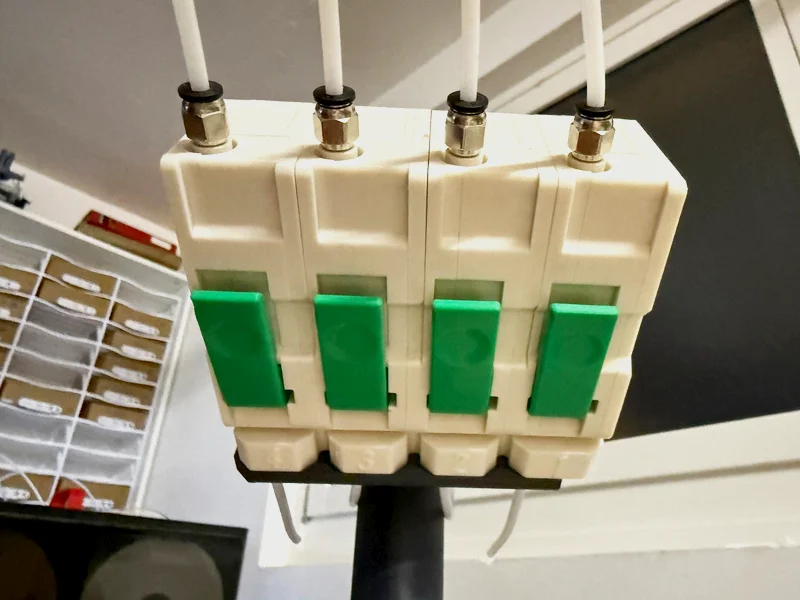
The BMCU 370C is an add-on that also lets the A1 mini print in several colours. Technically it is a very good solution. However, it only runs well up to firmware 1.07 and is therefore one for enthusiasts.
The BMCU 370C is not a Bambu Lab product. For starting out with children I recommend the AMS lite.
As of November 2026. The details on the printers come from the manufacturers and may change: Bambu Lab A1 mini, MakerKids on MakerWorld, QIDI MakeBuddy Smart5.
The pictures of the A1 mini are product images by Bambu Lab (© Bambu Lab) and are loaded directly from the manufacturer's server. The picture of the QIDI MakeBuddy Smart5 is an official product image by QIDI Tech (© QIDI Tech), used with the manufacturer's permission. We don't sell printers or filament. The brands mentioned belong to their owners.